
How to synchronize email signatures with Payfit?
Sync user data with Payfit
How to synchronize email signatures with Payfit?
Sync user data with Payfit
Synchronize user information from your Payfit SIRH directory
How it works :
select the fields you want to synchronize and their destinations
test the output before activation
activate user synchronization with 1 click
Benefits :
automatically update user data in signatures
enable automatic onboarding of teams
deleted users are also updated
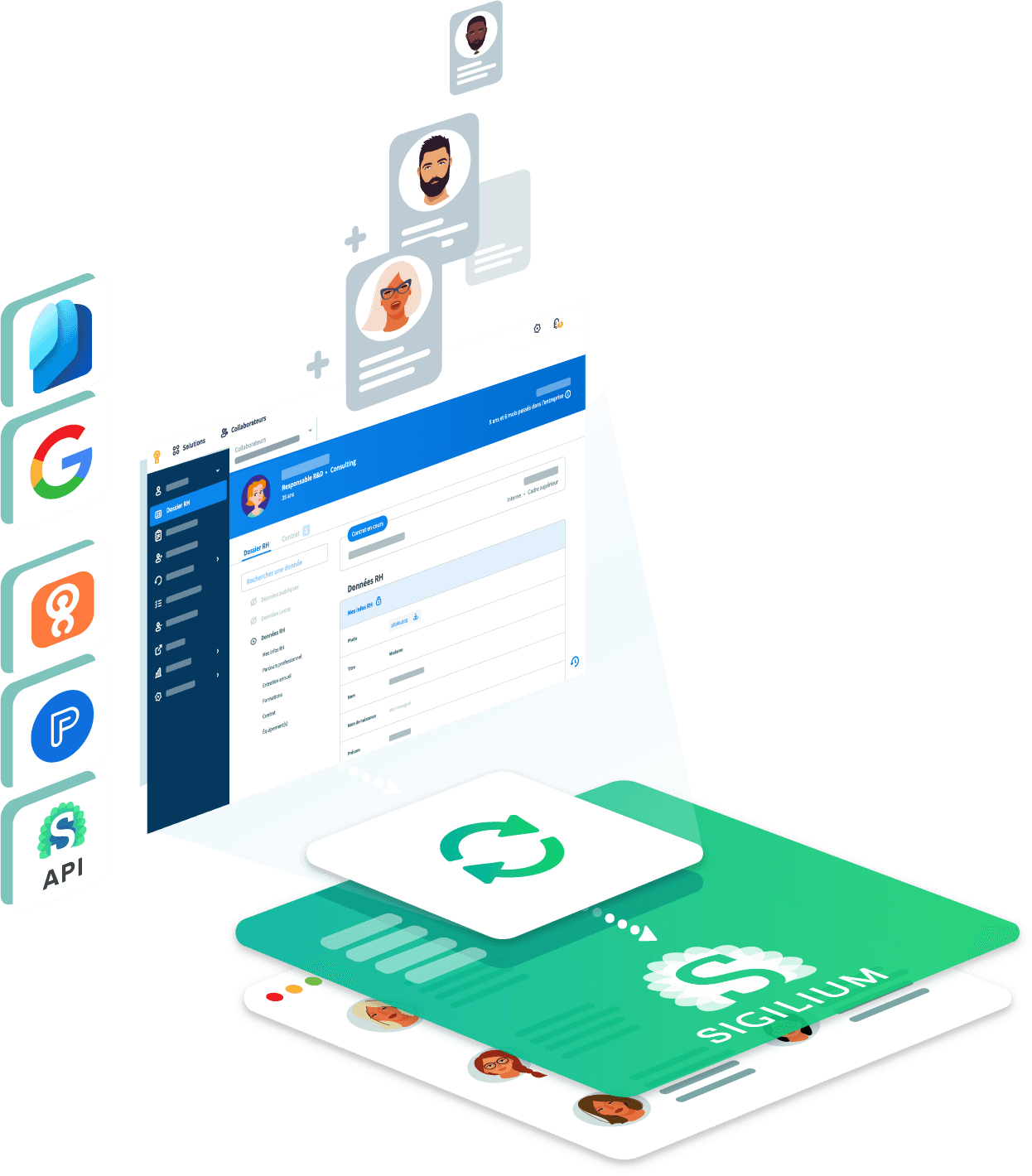
Synchronize user information from your Payfit SIRH directory
How it works :
select the fields you want to synchronize and their destinations
test the output before activation
activate user synchronization with 1 click
Benefits :
automatically update user data in signatures
enable automatic onboarding of teams
deleted users are also updated
Discover other integrations
Discover other integrations


Let's discuss your needs
And easily take control of the company's email signatures!
Not a user yet?
Get 14 days of commitment-free testing. Get started and help your teams to perform.
Team and Partners
Ressources
Subscribe to the newsletter
By submitting the form, you agree that Sigilium collects this information in its CRM and will contact you for commercial purposes.








© 2025 Sigilium. All rights reserved.

Team and Partners
Ressources
© 2025 Sigilium. All rights reserved.